
How To Change Your Gmail Username

Changing your Gmail username may be necessary if your name recently changed (say if you got married) or if you were given a default name for your Google Apps account. For example, we were recently given the name “General Delivery 2” for a Google Apps account and we didn’t want this to appear as our name in someone’s inbox. You risk people deleting your emails if it’s not clear who they are from.
Here’s how to change the name linked to your Gmail address:
1. Go to your Gmail inbox.
2. Under the gear icon in the top right corner beside your name, click on Mail settings.
<img data-cke-saved-src=”https://www.boxcarmarketing.com/images/uploads/mail-settings.jpg” src=”https://www.boxcarmarketing.com/images/uploads/mail-settings.jpg” border=”0″ alt=”Gmail Mail Settings” data-cke-saved-name=”Gmail Mail Settings” name=”Gmail Mail Settings” “=”” width=”374″ height=”157″>
3. In your Settings under the Account tab, click on edit info under “Send mail as:”

4. You can change your name in the popup window.
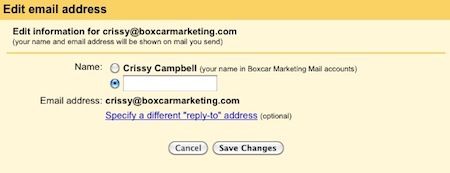
Make sure to choose a name for your Gmail address that makes it clear that there’s a person behind the email. Please, no General Delivery 2’s.
Need to change your Twitter name or Facebook Page name?

Crissy was Boxcar Marketing’s project manager from May 2009 to December 2012. She handled much of our day-to-day business, including working with clients directly on editorial calendars, weekly online activity plans, social media training and outreach opportunities. Crissy holds a Master of Publishing degree and before Boxcar Marketing, she worked at the Fraser Valley Regional Library where she specialized in the development and execution of promotional campaigns to drive traffic to regional library locations. Fun Facts Crissy has seen the sun rise on the Mekong River. She took Japanese in high school. She could beat adults at Memory when she was 5. Crissy loves wine and board games. Together when possible.

Ways to Support Author Marketing


Measuring the Impact of Publicity

Year-End Review Framework for Publishers
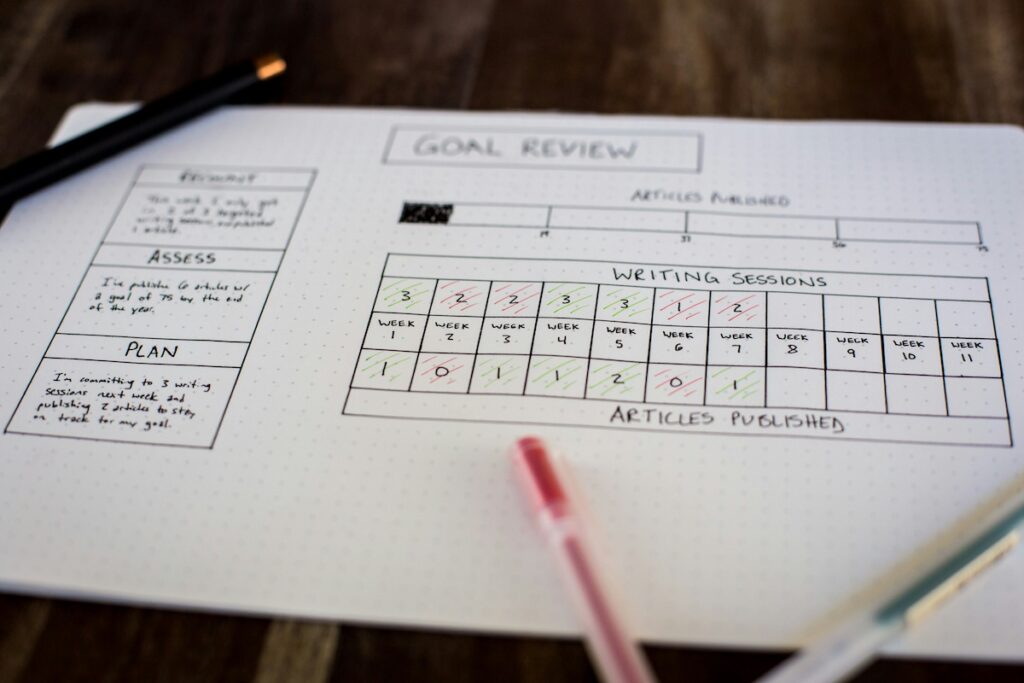
Year-End Review Template for Agencies & Consultants

Your Holiday Playbook Is Outdated